How to Blur Faces in Photos Automatically Using AI
Published April 18, 2026 · 5 min read · Try the Tool
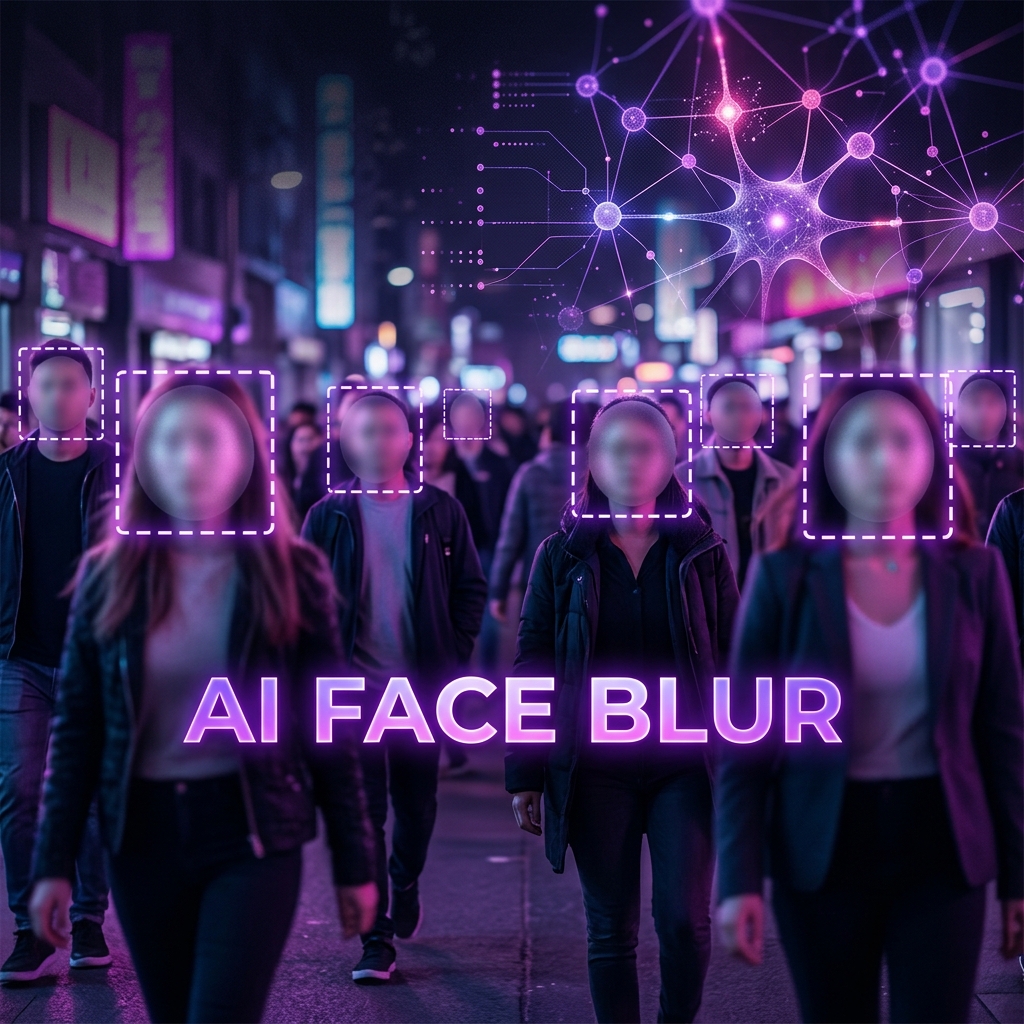
Whether you're a journalist protecting sources, a researcher anonymising participants, or just someone who wants to share a group photo without exposing strangers — automatically blurring faces used to require expensive software like Photoshop.
Now you can do it in seconds, for free, entirely in your browser using Imageflowlab's AI Face Blur. No upload, no account, no watermark.
How the AI Face Detection Works
The tool uses TinyFaceDetector — a lightweight neural network from the face-api.js library. It runs 100% inside your browser using WebGL acceleration, meaning:
- Your images are never uploaded to any server
- The AI model (~190KB) loads once and works offline after that
- Detection takes 1–3 seconds depending on device and image size
- Multiple faces are detected simultaneously in a single pass
Once faces are located, a multi-pass Gaussian blur is applied to each bounding box region at the original image resolution — not just the preview size — so the blur effect is consistent throughout.
Step-by-Step: Blur Faces in a Photo
Tips for Best Results
- Use well-lit images — the detector performs best when faces are clearly visible and not heavily shadowed
- For very small faces in large crowd shots, try increasing the image size first using our Image Upscaler
- If a face is missed (profile view, heavy occlusion), re-run with a slightly rotated crop of that area
- For maximum legal anonymisation, use blur strength 25–30 — faces become completely unrecognisable
Try AI Face Blur for Free
No upload, no account, no watermark. GDPR-compliant by design.
👤 Open Face Blur Tool →