Home ๐Ÿ”„ Image Converter ๐Ÿ“ฆ Image Compressor ๐Ÿ“ Image Resizer โœ‚๏ธ Image Crop ๐Ÿ‘ค AI Face Blur ๐Ÿ“ PDF to Word ๐Ÿ” Image Upscaler ๐Ÿ” Color Search ๐ŸŽจ Palette Generator ๐ŸŽจ Color Picker ๐ŸŒ Favicon Generator ๐Ÿ”Ž Metadata Viewer ๐Ÿ“ DPI Checker ๐Ÿ–ผ๏ธ PDF to Image ๐Ÿ—ƒ๏ธ Compress PDF โœ๏ธ Text Tools ๐Ÿท๏ธ File Renamer About Contact Privacy Policy Donate
โœจ Runs in browser ยท No uploads ยท No signup ยท Free forever

Process images instantly.
Zero server uploads.

The fastest, safest way to convert, compress, and edit images. Powerful client-side processing means your workflows are private by default.

๐Ÿ”’ Stop uploading your images to random servers.
โšก Instant Results Preview
๐Ÿ–ผ๏ธ
raw-photo.jpg
12.4 MB
โ†’
WEBP
๐Ÿ“ธ
optimized-web.webp
12.4 MB โ†’ 0.8 MB
โ†“ 93%
โœ…
Processed Locally in 0.4s

Trusted by creators & developers worldwide  ยท  0 server uploads, ever.

0 Images Processed
0 Happy Users
0 TB of Data Saved
0 Countries
Advertisement

Pick Your Tool

All the image tools you need free, instant, and 100% browser-based

๐Ÿ”„

Image Converter

Convert between JPG, PNG, WEBP, GIF, BMP, TIFF, ICO, PDF, AVIF and more. Resize, adjust quality, set background fill.

JPGPNGWEBPPDF+5 more
Start Converting โ†’
๐Ÿ“ฆ

Image Compressor

Reduce file size dramatically without visible quality loss. See before/after savings instantly. Batch compress up to 20 images.

LosslessLossyBatch ร—20Preview
Start Compressing โ†’
๐Ÿ“

Image Resizer

Set exact pixel dimensions with Fit, Fill, or Stretch modes. Lock aspect ratio. Output as JPG, PNG, or WEBP with quality control.

Exact PixelsFitFillStretch
Start Resizing โ†’
NEW
๐Ÿ“

PDF to Word

Turn any PDF into an editable DOCX file. Private browser-side conversion with smart paragraph reconstruction.

DOCXEditablePrivacy+Free
Start Converting โ†’
Advertisement
๐Ÿ”

Image Upscaler

AI-powered 2ร— and 4ร— super-resolution. Sharpen blurry photos and enlarge small images without losing quality.

2ร— / 4ร—AI-Powered100% Private
Start Upscaling โ†’
๐ŸŽจ

Color Picker

Click any pixel on your image to instantly get HEX, RGB, HSL, HSV & CMYK codes. Extract palettes, shades, tints and color harmonies.

HEXRGBPaletteHarmonies
Pick Colors โ†’
NEW
โœ‚๏ธ

Image Crop

Crop images to any aspect ratio โ€” 1:1, 16:9, 9:16, 4:3, 3:2, or custom pixels. Drag handles, rule-of-thirds grid, aspect lock.

1:116:99:16Custom
Start Cropping โ†’
NEW
๐Ÿ‘ค

AI Face Blur

Automatically detect and blur faces in any photo using AI. GDPR-compliant, 100% browser-side โ€” your images never leave your device.

AIPrivacyGDPRAuto
Blur Faces โ†’
NEW
๐ŸŒ

Favicon Generator

Create a multi-size .ico favicon from any PNG or JPG. 10 sizes from 16ร—16 to 512ร—512 packed in one file. Instant, free, private.

ICO10 SizesPNG/JPGFree
Generate Favicon โ†’
NEW
๐Ÿ”Ž

Metadata Viewer

View all EXIF data from photos โ€” camera, ISO, GPS, date. Remove metadata for privacy and download a clean image in one click.

EXIFGPSPrivacyFree
View Metadata โ†’
NEW
๐Ÿ“

DPI Checker

Check image DPI, PPI, and resolution. Calculate exact print size in inches & cm. 7 paper-size compatibility checks. Works on JPEG, PNG & TIFF.

DPIPrintResolutionFree
Check DPI โ†’
NEW
๐Ÿ–ผ๏ธ

PDF to Image

Convert every PDF page to PNG or JPG. Preview all pages, download individual images or grab everything as a ZIP. 100% browser-based.

PDFPNGJPGFree
Convert PDF โ†’
NEW
โœ๏ธ

Text Tools

22 instant text transforms: UPPERCASE, lowercase, Title Case, remove duplicates, sort lines, word count, slugify, and more. No signup.

CaseSortWordCountFree
Open Toolkit โ†’
NEW
๐Ÿ—ƒ๏ธ

Compress PDF

Reduce PDF size to a specific target โ€” 5MB, 2MB, 1MB, 500KB or custom. Binary-search quality engine. Browser-only, no upload.

PDFCompressSizeFree
Compress PDF โ†’
NEW
๐Ÿท๏ธ

Batch File Renamer

Rename multiple images in bulk โ€” sequential numbers, letters, prefix/suffix, find & replace, zero-padding. Download all as ZIP.

RenameBatchZIPFree
Rename Files โ†’
NEW
๐Ÿ”

Color Search

Search 350+ named colors by name โ€” blue, mint, dark red, pastel green. Get HEX, RGB, HSL codes and generate 10 professional palettes.

HEXRGBHSL350+ Colors
Search Colors โ†’
NEW
๐ŸŽจ

Color Palette Generator

Generate 10 professional color palettes โ€” monochromatic, analogous, complementary, triadic, shades, tints, warm and cool tones.

Palette10 TypesHSLFree
Generate Palette โ†’

Powerful image infrastructure. Right in your browser.

A unified suite of AI tools engineered for absolute privacy, blistering speed, and uncompromising quality.

๐Ÿ”’

Absolute Privacy

Files never leave your device. Complete privacy with zero server uploads and zero retained data.

โšก

Instant Execution

Powered by local WebGL and Canvas APIs to eliminate network bottlenecks and loading screens.

๐Ÿค–

Edge AI Models

Client-side neural networks seamlessly upscale, blur, and remove backgrounds with precision.

๐Ÿ“ฆ

Massive Concurrency

Process, compress, or rename hundreds of files simultaneously and export them as a single ZIP.

๐ŸŽจ

Universal Formats

Read and convert seamlessly across modern web standards including WEBP, AVIF, SVG, and PDF.

๐Ÿ–ฑ๏ธ

Fluid Interactions

Global drag-and-drop routing drops your files instantly into the exact tool you need.

๐Ÿ“ฑ

Cross-Device Parity

A highly responsive, progressive web app experience tailored for desktop, tablet, and mobile.

๐Ÿ†“

Unrestricted Access

No paywalls, no watermarks, and no account required. Premium features available entirely for free.

๐Ÿงฐ All Apps

Explore Our Full Collection of Powerful Image Tools

Every image task you need โ€” from AI-powered enhancement to format conversion and privacy protection.

๐Ÿ”
AI2ร— / 4ร—Free

Image Upscaler

AI-powered 2ร— and 4ร— super-resolution. Enlarge small or blurry images without losing quality.

Try Now โ†’
๐Ÿš€
AI4KDeep Learning

AI Image Upscaler

Swin2SR deep-learning model. Restore fine detail and upscale to near-4K resolution browser-side.

Try Now โ†’
โœจ
ResolutionSharpen

Enhance Photo Resolution

Fix blurry or low-resolution photos and sharpen details with AI-assisted processing.

Try Now โ†’
NEW
๐Ÿ“
DPIPrintResolution

DPI Checker

Check DPI, resolution, and calculate print size. 7 paper-size compatibility checks. JPEG, PNG, TIFF.

Try Now โ†’
NEW
๐Ÿ–ผ๏ธ
PDFPNGJPG

PDF to Image

Convert PDF pages to PNG or JPG. Preview all, download individually or as ZIP. Browser-only.

Try Now โ†’
NEW
๐Ÿ—ƒ๏ธ
PDFCompressSize

Compress PDF

Reduce PDF to a target size โ€” 5MB, 2MB, 1MB, 500KB or custom. Browser-only, no upload.

Try Now โ†’
NEW
โœ๏ธ
TextCaseSort

Text Tools

22 instant text transforms: case, clean, sort, slugify, word count, and more. Instant, browser-only.

Try Now โ†’
NEW
๐Ÿ”Ž
EXIFGPSPrivacy

Metadata Viewer

View and remove EXIF metadata from photos โ€” camera, GPS, ISO, date. Download clean stripped image.

Try Now โ†’
NEW
๐ŸŒ
ICO10 SizesFree

Favicon Generator

Create a multi-size favicon.ico from any PNG or JPG. 16ร—16 to 512ร—512, browser-only, instant download.

Try Now โ†’
NEW
๐Ÿ‘ค
AIPrivacyGDPR

AI Face Blur

Automatically detect and blur faces in photos. GDPR-safe. 100% browser-side, no upload.

Try Now โ†’
๐Ÿ”„
10+ FormatsBatchPDF

Image Converter

Convert between JPG, PNG, WEBP, GIF, BMP, TIFF, ICO, PDF, AVIF and more in seconds.

Try Now โ†’
๐Ÿ–ผ๏ธ
JPGโ†’PNGLossless

JPG to PNG

Convert JPEG photos to lossless PNG format. Preserve transparency and fine detail.

Try Now โ†’
โšก
JPGโ†’WEBPWeb

JPG to WEBP

Convert JPEG images to the modern WEBP format for smaller file sizes on the web.

Try Now โ†’
๐Ÿ“„
WEBPโ†’PNGLossless

WEBP to PNG

Convert modern WEBP images to universally compatible PNG with full alpha transparency.

Try Now โ†’
๐Ÿ“ฑ
iPhoneHEICโ†’JPG

HEIC to JPG

Convert iPhone HEIC/HEIF photos to widely-compatible JPG format instantly.

Try Now โ†’
๐Ÿ“‹
PNGโ†’PDFDocument

PNG to PDF

Embed PNG images in a PDF document for professional sharing and printing.

Try Now โ†’
๐Ÿ“
PDFโ†’DOCXEditable

PDF to Word

Convert PDF files to editable DOCX format with smart paragraph reconstruction.

Try Now โ†’
๐Ÿ“ฆ
LosslessLossyBatch ร—20

Image Compressor

Reduce file size dramatically without visible quality loss. Batch compress up to 20 images.

Try Now โ†’
๐Ÿ“
Exact PixelsFit/Fill/Stretch

Image Resizer

Set exact pixel dimensions with Fit, Fill, or Stretch modes. Lock aspect ratio. Batch resize.

Try Now โ†’
NEW
โœ‚๏ธ
Crop16:91:1Custom

Image Crop

Drag handles, rule-of-thirds grid, aspect ratio presets. Crop to any shape or custom pixels.

Try Now โ†’
๐ŸŽจ
HEXRGBPalette

Color Picker

Click any pixel to get HEX, RGB, HSL, HSV & CMYK codes. Extract color palettes and harmonies.

Try Now โ†’
๐ŸŽฏ
100KB TargetAuto

Compress to 100KB

Automatically reduce image file size to under 100KB for form uploads and email attachments.

Try Now โ†’
๐Ÿ—œ๏ธ
JPEGQuality

Compress JPEG

Fine-tune JPEG quality slider to hit your exact file size target while preserving visual detail.

Try Now โ†’
๐Ÿ“
ResizeOnline

Resize Image Online

Quick resize to common social media and web dimensions. No software needed.

Try Now โ†’
โฌ‡๏ธ
File SizeCompress

Reduce File Size

Shrink image file size for faster websites, email, and cloud storage โ€” preserving maximum quality.

Try Now โ†’
NEW
๐Ÿท๏ธ
RenameBatchZIP

Batch File Renamer

Rename multiple images with sequential numbers, letters, prefix/suffix, find & replace. Download as ZIP.

Try Now โ†’
NEW
๐Ÿ”
HEXRGB350+ Colors

Global Color Search

Search 350+ named colors by name. Get HEX, RGB, HSL codes and generate 10 professional palettes instantly.

Try Now โ†’
NEW
๐ŸŽจ
Palette10 TypesHSL

Color Palette Generator

Generate 10 palettes โ€” monochromatic, analogous, complementary, triadic, shades, tints and more. Copy HEX codes.

Try Now โ†’
NEW
๐Ÿ“„
OCRBulk14 Languages

Image to Text (OCR)

Extract text from JPG, PNG, WEBP or BMP images. Bulk OCR, 14 languages, editable output. Download TXT or DOC. 100% browser-based.

Try Now โ†’
๐Ÿ—‚๏ธ Format Intelligence

Supported Formats & Capabilities

Accurate, tool-specific format support across the entire Imageflowlab suite

๐Ÿ“ฅ

Universal Input Support

Accepted across most tools

JPG PNG WEBP GIF BMP TIFF

Actual format support depends on selected tool

๐Ÿ“ค

Conversion Output Capabilities

Export formats available across tools

๐Ÿ–ผ๏ธJPG
๐Ÿ–ผ๏ธPNG
โšกWEBP
๐ŸŒ€GIF
๐Ÿ—‚๏ธBMP
๐Ÿ–จ๏ธTIFF
๐ŸŒICO
๐Ÿ“„PDF
๐Ÿš€AVIF

Some formats are output-only

๐Ÿ”ฌ

Advanced & Special Formats

Know before you convert

ICO Used for favicons โ€” multiple sizes embedded (16ร—16 to 512ร—512)
PDF Generated from single or multi-image batches via Image Converter
SVG* Raster-to-SVG wrapper โ€” not a true vector conversion
AVIF Modern high-efficiency format โ€” browser support dependent
๐Ÿงฐ

Tool-Specific Capabilities

Exact format support per tool

๐Ÿ”„ Image Converter
JPGPNG WEBPAVIF GIFBMP TIFFICO PDF
๐ŸŒ Favicon Generator
JPGPNG WEBP โ†’ ICO 16โ€“512px
๐Ÿ–ผ๏ธ PDF to Image
PDF โ†’ PNGJPG
๐Ÿ—œ๏ธ PDF Compressor
PDF โ†’ PDF Size target
๐Ÿ‘ค AI Face Blur
JPGPNG WEBP โ†’ PNG Transparent
๐ŸŽจ Color Picker
JPGPNG WEBP HEX ยท RGB ยท HSL

How It Works

Three simple steps โ€” no learning curve

01

Upload Your Image

Drag & drop or click to select. Supports JPG, PNG, WEBP, GIF, BMP, TIFF up to 20MB.

โ†’
02

Apply Magic

Select format/quality, remove the background, pick colors, or upscale using AI.

โ†’
03

Download Result

Preview changes instantly. Click download to save your new image right away.

Frequently Asked Questions

Everything you need to know about Imageflowlab

Yes! Imageflowlab is 100% free. There are no hidden fees, no subscription plans, and no signup required. You can convert and compress as many images as you want at no cost.
No. All image processing is done entirely in your browser using the HTML5 Canvas API. Your images are never sent to any server. This means your files stay completely private and secure.
The maximum file size per image is 20MB. This limit is in place to ensure smooth performance within your browser. For very large files, you may need a desktop application.
You can convert to JPG, PNG, WEBP, GIF, BMP, TIFF, ICO (favicon), PDF, AVIF (where supported), and basic SVG. Input formats include JPG, PNG, WEBP, GIF, BMP, and TIFF.
It depends on the compression level you choose. "Low" compression reduces file size with minimal visible quality loss. "Medium" and "High" compression achieve greater size reduction at the cost of some quality. You can preview before downloading.
Yes! Imageflowlab is fully responsive and works on all modern mobile browsers including Chrome for Android and Safari for iOS. The experience is optimized for touch and smaller screens.
Go to the Image Converter tool, upload your image (JPG, PNG, etc.), select "PDF" from the output format dropdown, and click Convert. Your image will be embedded in a PDF document that you can download immediately.
Use the Image Compressor tool. Upload your image, select "Medium" or "High" compression level, and click Compress. You'll see the exact file size reduction in real-time. WEBP format also provides excellent compression with great quality.
๐Ÿ“š Free Guides

Learn Image Optimization

Expert guides on image formats, compression, and SEO โ€” written by the Imageflowlab team.

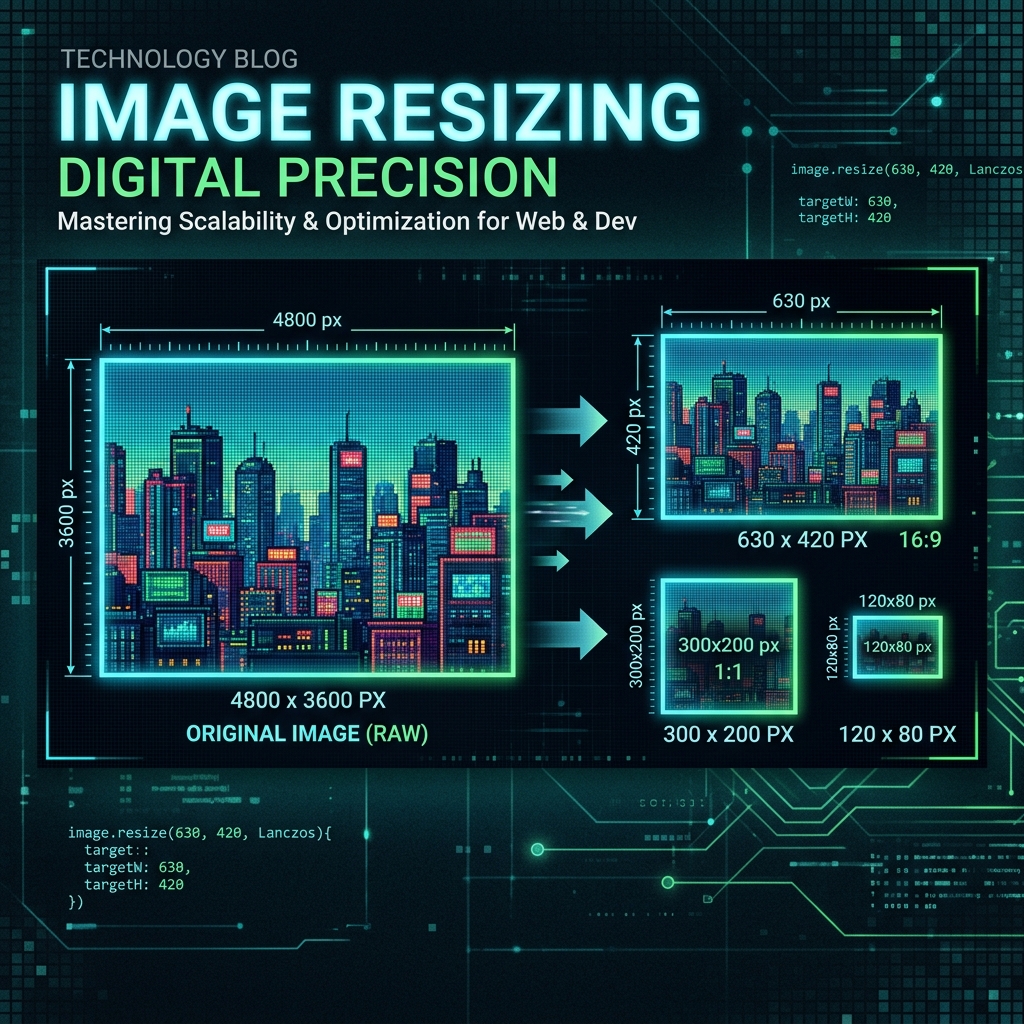
Image Resizing Guide
Image Resizing

How to Resize an Image to Exact Pixels Online

Step-by-step guide to Fit, Fill, and Stretch resize modes. Lock aspect ratio and set exact dimensions in seconds.

5 min read · April 2025
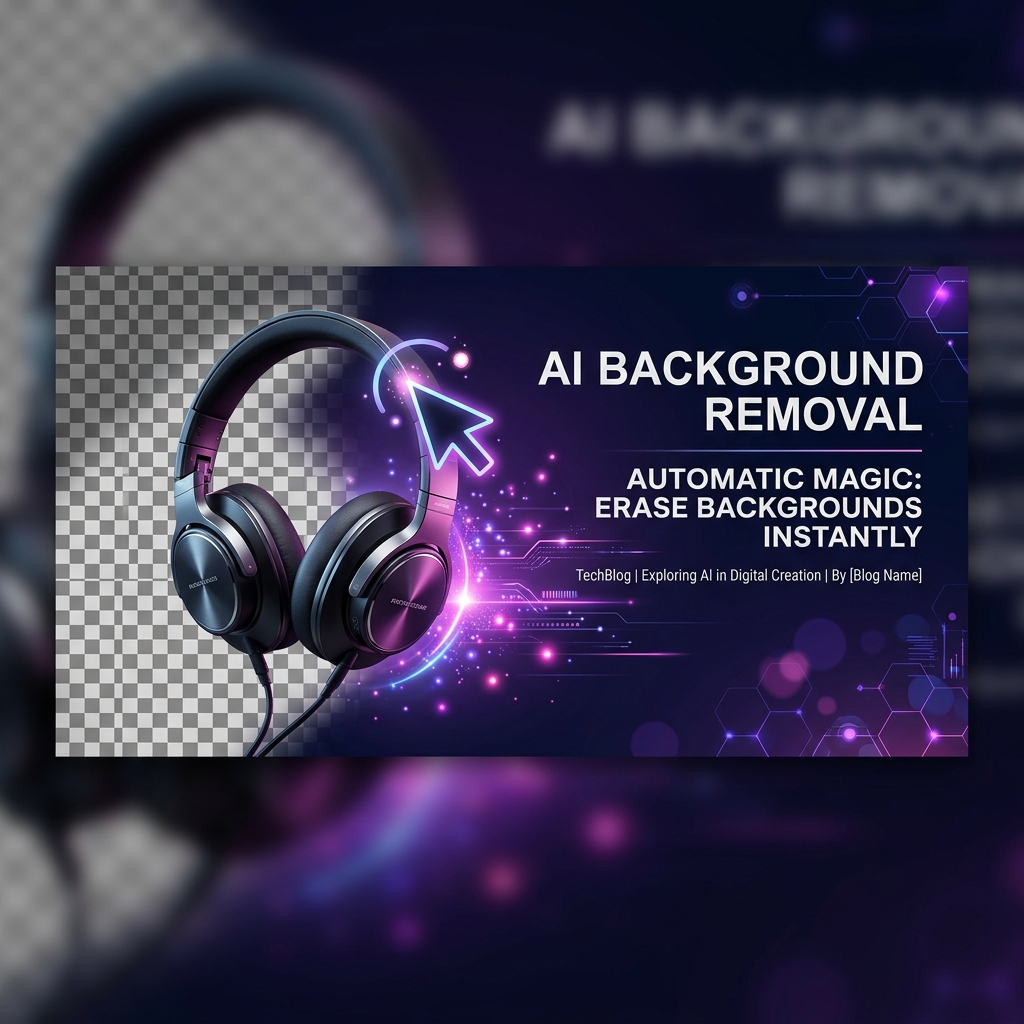
Background Removal Guide
AI Tools

How to Remove an Image Background for Free

AI-powered background removal in your browser. No Photoshop, no upload, no account. Transparent PNG in seconds.

5 min read · April 2025
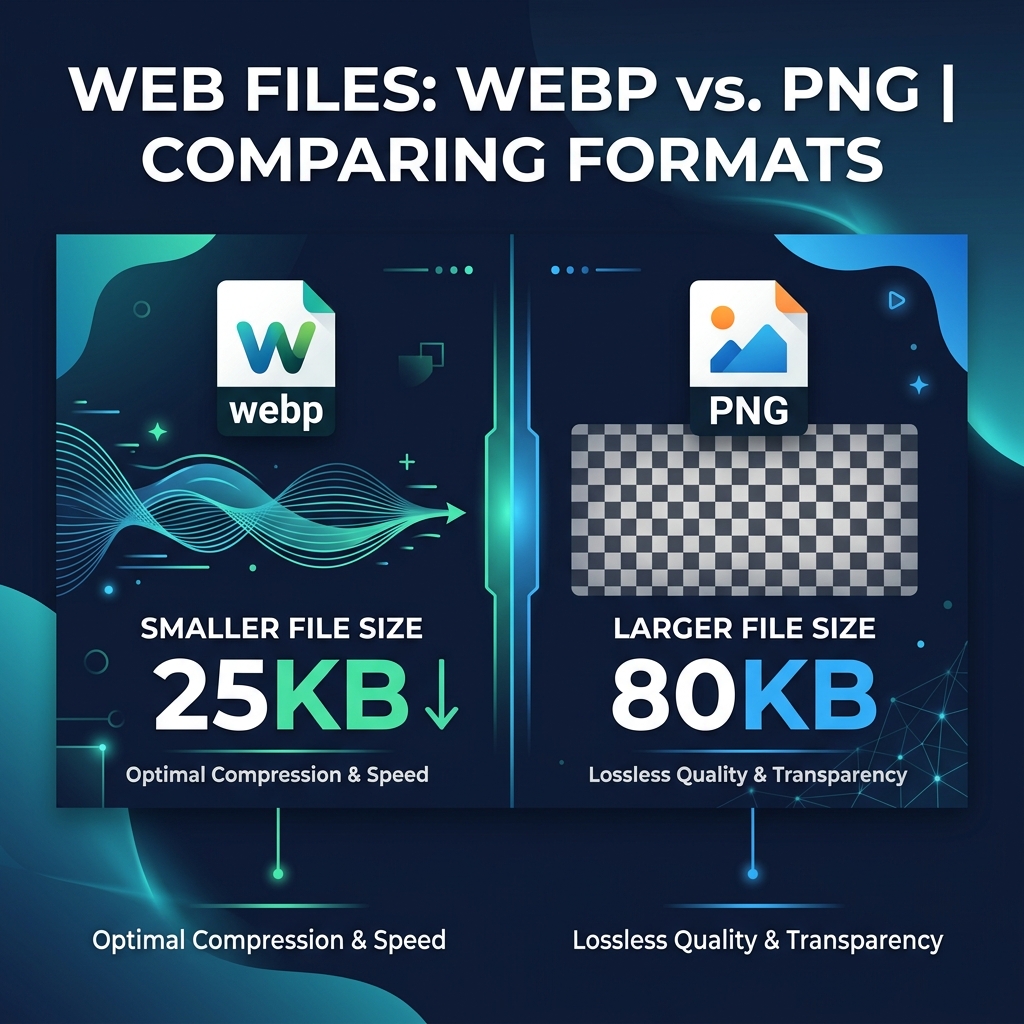
WebP vs PNG Guide
Image Formats

WebP vs PNG: Which Format is Better?

Learn how WebP compares to PNG, when to use each format and how much file size you can save by switching.

5 min read · April 2025
๐Ÿ“š View All 16 Free Guides →

Free Online Image Editor & AI Toolkit โ€“ Fast, Free, and Secure

Welcome to the most efficient way to handle your process images instantly. zero server uploads. tasks online. Whether you are a professional designer, a developer, or just someone looking to optimize media, this tool is built to provide top-tier performance without the bloat of traditional software.

Unlike other platforms, Imageflowlab ensures that your privacy is protected. Every action performed by the Free Online Image Editor & AI Toolkit is executed locally in your browser using modern Web APIs. This means zero upload times, zero server wait times, and zero risk of your files being intercepted or stored.

Why use our Process images instantly. Zero server uploads.?

We built this utility to be lightning fast and universally accessible. By leveraging client-side processing, you get immediate results regardless of your file size or internet connection speed. Enjoy a premium, seamless experience tailored for modern workflows.

Advertisement

Free Online Image Editor & AI Toolkit โ€“ Fast, Free, and Secure

Welcome to the most efficient way to handle your process images instantly. zero server uploads. tasks online. Whether you are a professional designer, a developer, or just someone looking to optimize media, this tool is built to provide top-tier performance without the bloat of traditional software.

Unlike other platforms, Imageflowlab ensures that your privacy is protected. Every action performed by the Free Online Image Editor & AI Toolkit is executed locally in your browser using modern Web APIs. This means zero upload times, zero server wait times, and zero risk of your files being intercepted or stored.

Why use our Process images instantly. Zero server uploads.?

We built this utility to be lightning fast and universally accessible. By leveraging client-side processing, you get immediate results regardless of your file size or internet connection speed. Enjoy a premium, seamless experience tailored for modern workflows.