📚 Free Guides
Learn Image Optimization
Expert guides on image formats, compression, and SEO — written by the Imageflowlab team.
Convert, compress, resize, and remove backgrounds — free, instant, and private. All processing happens in your browser. Your files never leave your device.
Trusted worldwide
All the image tools you need — free, instant, and 100% browser-based
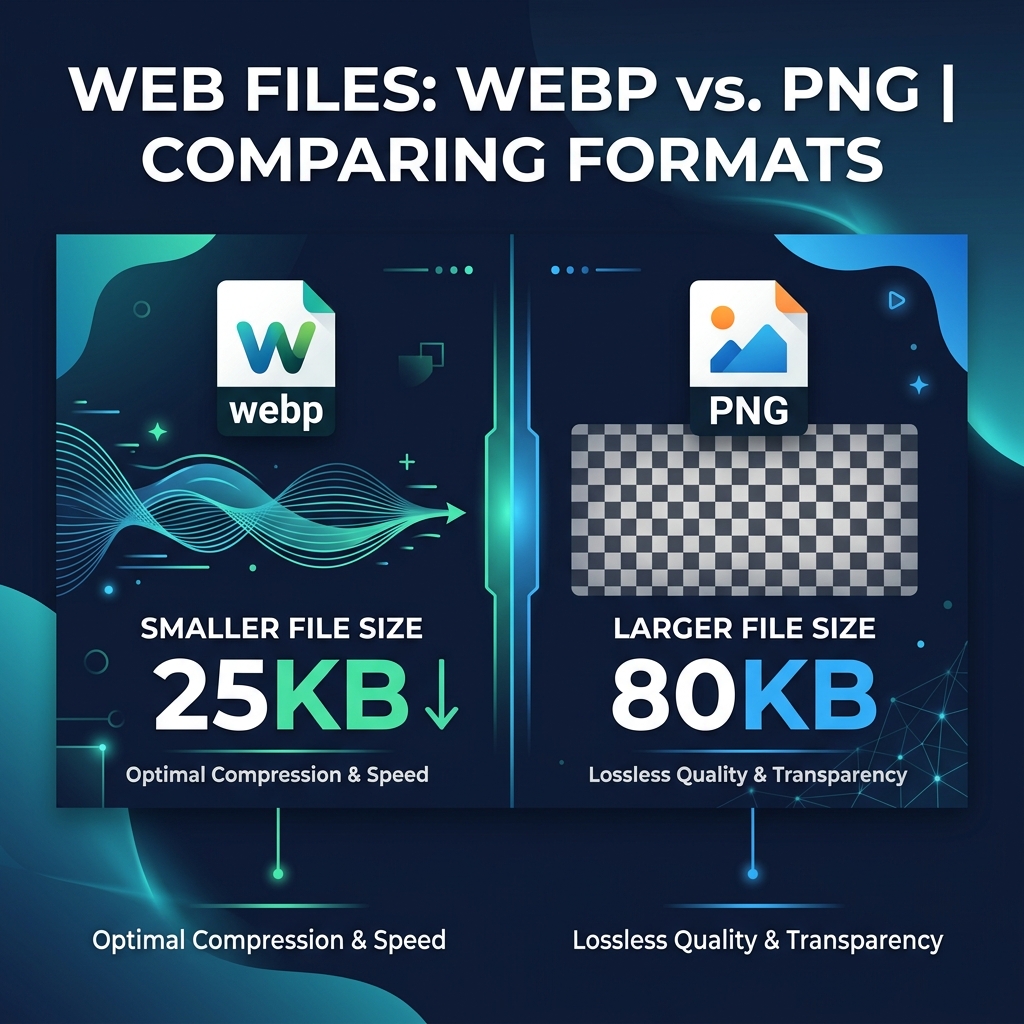
Convert between JPG, PNG, WEBP, GIF, BMP, TIFF, ICO, PDF, AVIF and more. Resize, adjust quality, set background fill.
Reduce file size dramatically without visible quality loss. See before/after savings instantly. Batch compress up to 5 images.
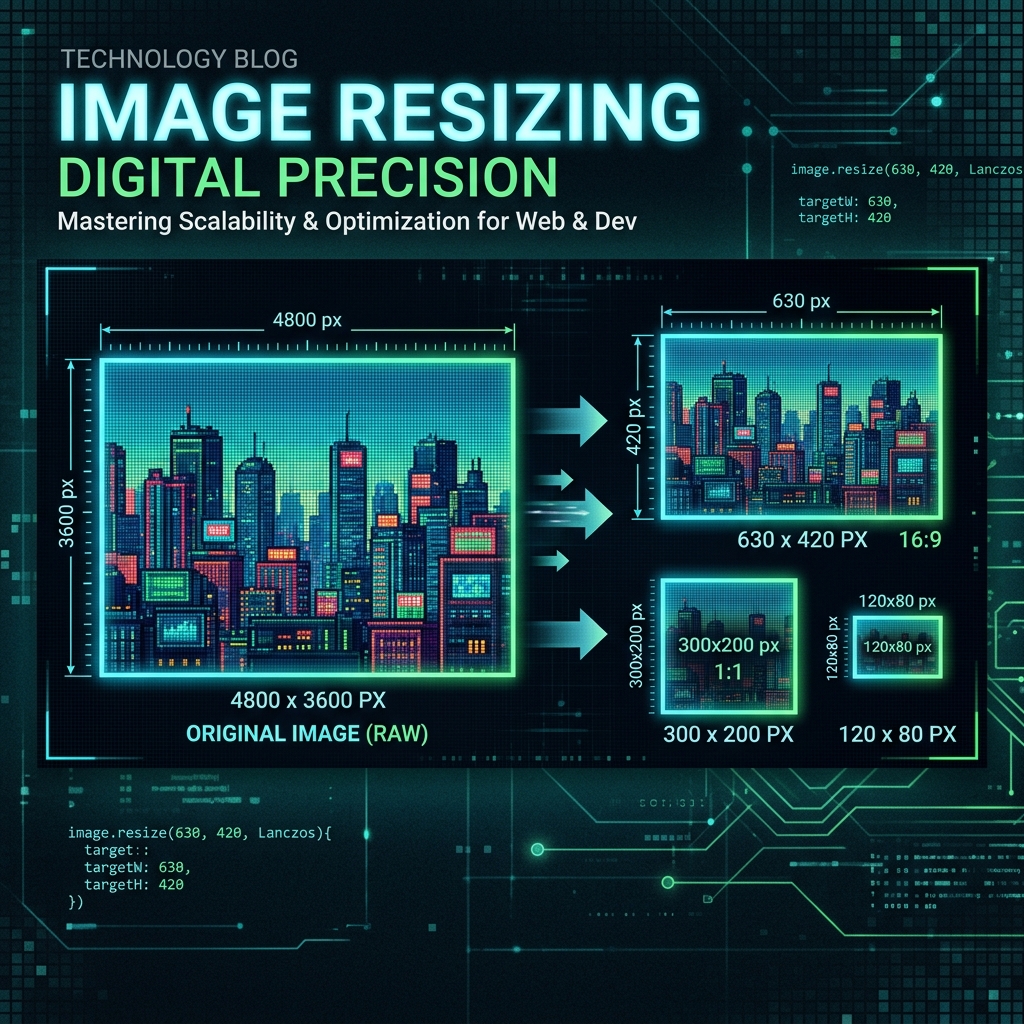
Set exact pixel dimensions with Fit, Fill, or Stretch modes. Lock aspect ratio. Output as JPG, PNG, or WEBP with quality control.
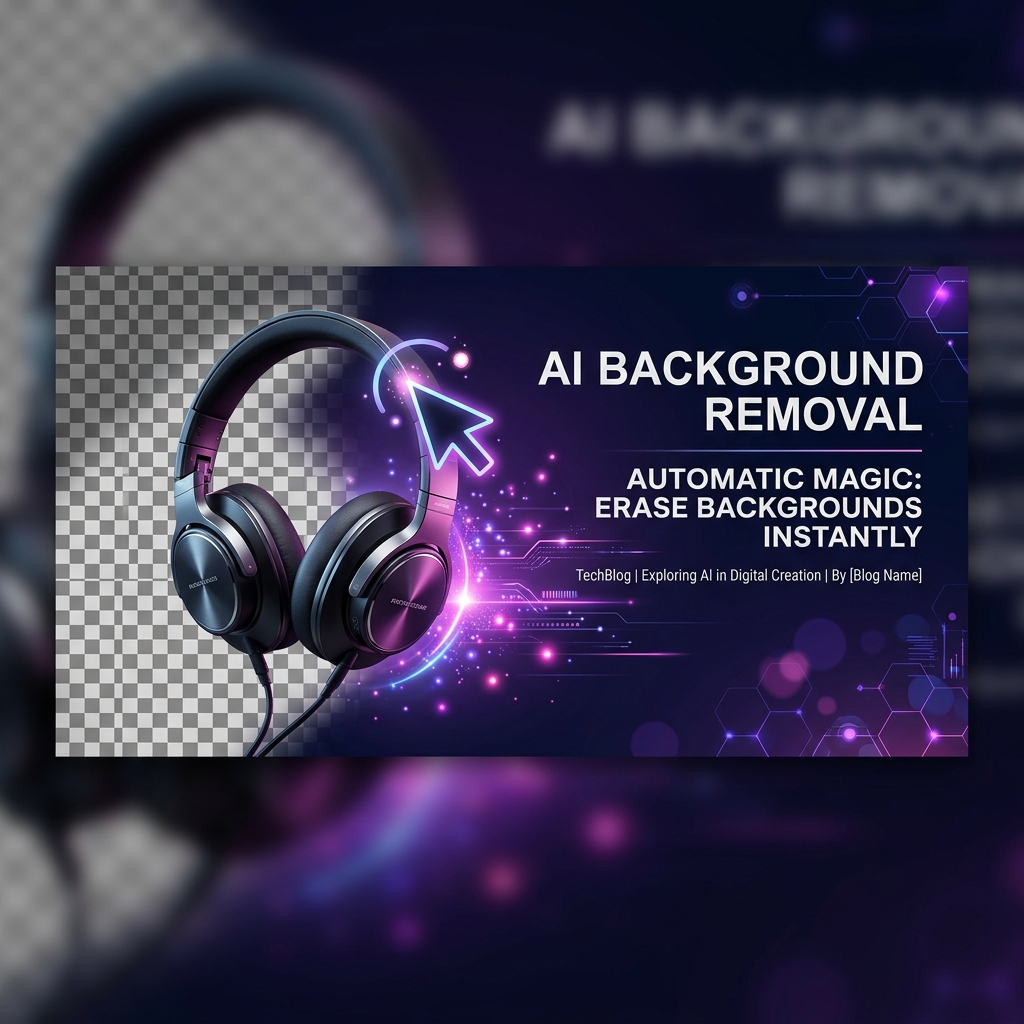
AI-powered background removal that runs entirely in your browser. No upload. Choose transparent, solid, or gradient fill. Download PNG.
AI-powered 2× and 4× super-resolution. Sharpen blurry photos and enlarge small images without losing quality.
Click any pixel on your image to instantly get HEX, RGB, HSL, HSV & CMYK codes. Extract palettes, shades, tints and color harmonies.
4 powerful tools. Zero uploads. Zero cost. Always.
Converter, compressor, resizer, and AI background remover all run in your browser. Your images never leave your device.
Canvas API and WebGL acceleration mean instant results. No waiting, no upload queues, no spinners.
The Background Remover uses a state-of-the-art ML model running locally in WebGL — no API key, no cost.
Convert or compress up to 5 images at once and download all as a single ZIP. Saves time on every project.
Fully responsive on desktop, tablet, and phone. Install as a PWA for instant home screen access like a native app.
No signup, no credit card, no limits. All 4 tools are free to use as many times as you want, forever.
Convert to JPG, PNG, WEBP, GIF, BMP, TIFF, ICO, PDF, AVIF. Resize to exact pixel dimensions in any mode.
Drop an image on any page — even a blog post — and it routes instantly to the converter tool.
Input and output support for all major image formats
* SVG output provides a basic embedded raster conversion
Three simple steps — no learning curve
Drag & drop or click to select. Supports JPG, PNG, WEBP, GIF, BMP, TIFF up to 20MB.
Select output format, adjust quality, resize dimensions, and set compression level.
Preview the result instantly. Click download to save your converted or compressed image.
Everything you need to know about Imageflowlab
Expert guides on image formats, compression, and SEO — written by the Imageflowlab team.