WebP vs PNG: Which Format is Better?
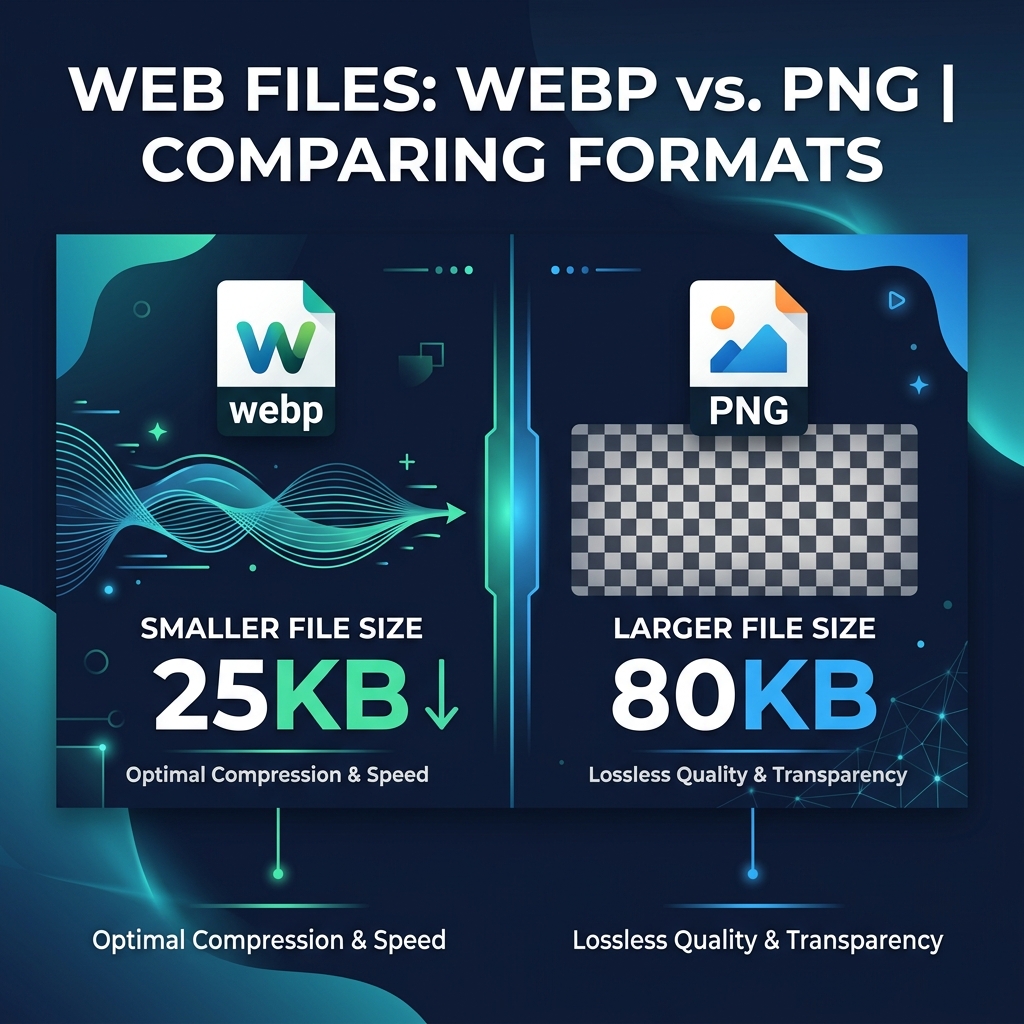
Two of the most common image formats on the web today are WebP and PNG. Both have their strengths, but knowing which to choose can save you significant file size, load time, and headaches. This guide breaks down exactly how they differ and when to use each.
The Core Difference: Lossy vs Lossless
PNG (Portable Network Graphics) always uses lossless compression, meaning every single pixel is preserved exactly as-is. No information is ever discarded. WebP, developed by Google, is more flexible — it supports both lossy and lossless modes. In lossy mode, WebP discards visual data the human eye can barely perceive. In lossless mode, it competes directly with PNG but usually wins on file size.
File Size Comparison
In lossy mode, WebP files are typically 25–35% smaller than equivalent JPEG files, and 26% smaller than PNG in lossless mode. For a website with 50 product images, switching from PNG to WebP could save several megabytes per page view — directly improving your Core Web Vitals score and Google ranking.
Use our free online converter — no upload, no signup, 100% private.
Open Free Converter →Transparency Support
Both formats support full alpha transparency. PNG has had transparency support since the 1990s, making it universally reliable. WebP also supports alpha channels, meaning logos, icons, and graphics with transparent backgrounds work perfectly in both formats. If you need transparency and maximum compatibility, PNG is the safer bet for older software. For modern web use, WebP handles transparency just as well.
Browser & Software Compatibility
All major browsers — Chrome, Firefox, Safari 14+, and Edge — fully support WebP. However, some older desktop applications (Photoshop pre-2020, certain Windows image viewers) may not open WebP files directly. PNG enjoys near-universal software support across every platform and application. When sharing files for editing with collaborators using diverse toolsets, PNG is the universally safe choice.
When to Use WebP vs PNG
Choose WebP when: optimizing images for a website, uploading to social media platforms that support it, or anywhere that load speed matters. Choose PNG when: saving source files for editing, sharing graphics with collaborators, exporting logos for clients, or whenever you need guaranteed compatibility with any tool or platform.