How to Reduce Image Size for Faster Websites
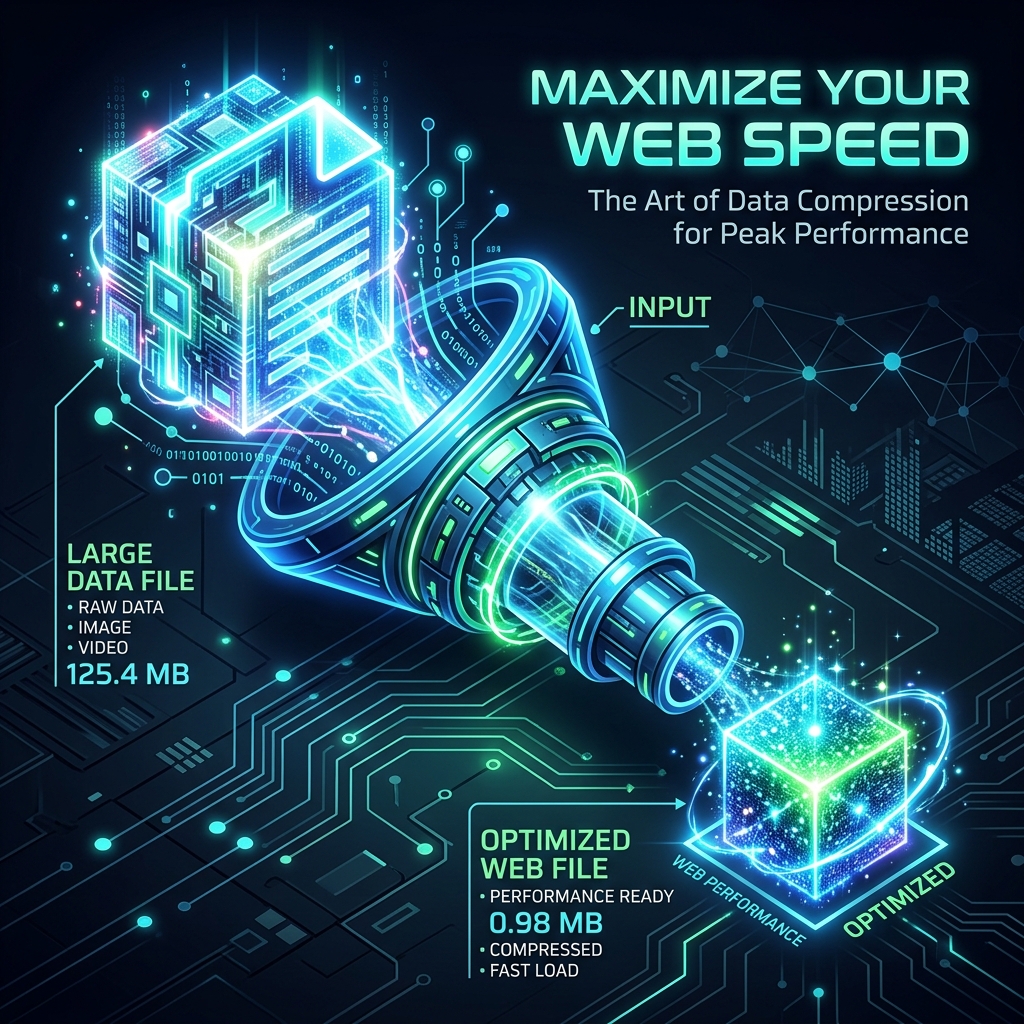
Images typically account for 50–70% of total page weight on most websites. Optimizing them is the single highest-impact action you can take to improve page speed, Core Web Vitals scores, and ultimately your Google search ranking.
Why Image Size Hurts Your Rankings
Google's Core Web Vitals include Largest Contentful Paint (LCP) — the time until the largest visible element (usually an image) loads. Google's own data shows that going from a 3-second to 1-second load time increases conversions by 32%. Slow-loading pages rank lower, have higher bounce rates, and cost you both organic traffic and revenue.
Step 1: Choose the Right Format
Format selection is the most impactful optimization. Use WebP as your primary web format — it's 25–35% smaller than JPEG and 26% smaller than lossless PNG for equivalent quality. Use JPEG as a fallback for non-supporting browsers. Use PNG only for graphics requiring transparency. Avoid using PNG for photographs — the file sizes are 3–5x larger than equivalent JPEG.
Instantly convert any image to WebP format in your browser — no upload, fully private.
Open Free Converter →Step 2: Compress Your Images
After choosing the right format, compress at 75–85% quality for JPEG/WebP. This typically reduces file sizes by 50–70% with no visible quality change. A hero image that was 800KB can often be compressed to 120–200KB. Multiply that across 10–20 images on a page, and you're saving megabytes per page load, directly translating to faster LCP.
Step 3: Resize to Display Dimensions
Never upload a 4000px-wide image and display it at 600px wide. Load a 600px version. A phone camera creates 12–50 megapixel images (6000px+) that are vastly oversized for web display. Resizing to actual display dimensions (with 2x for Retina: display 600px, upload 1200px) dramatically reduces file sizes. Use our converter's resize feature to set exact output dimensions.
Step 4: Implement Lazy Loading
Add loading="lazy" to all <img> tags below the fold. This defers loading of off-screen images until the user scrolls to them, improving initial page load time significantly. This single HTML attribute can reduce initial payload by 40–60% on image-heavy pages.