How to Resize an Image to Exact Pixels Online
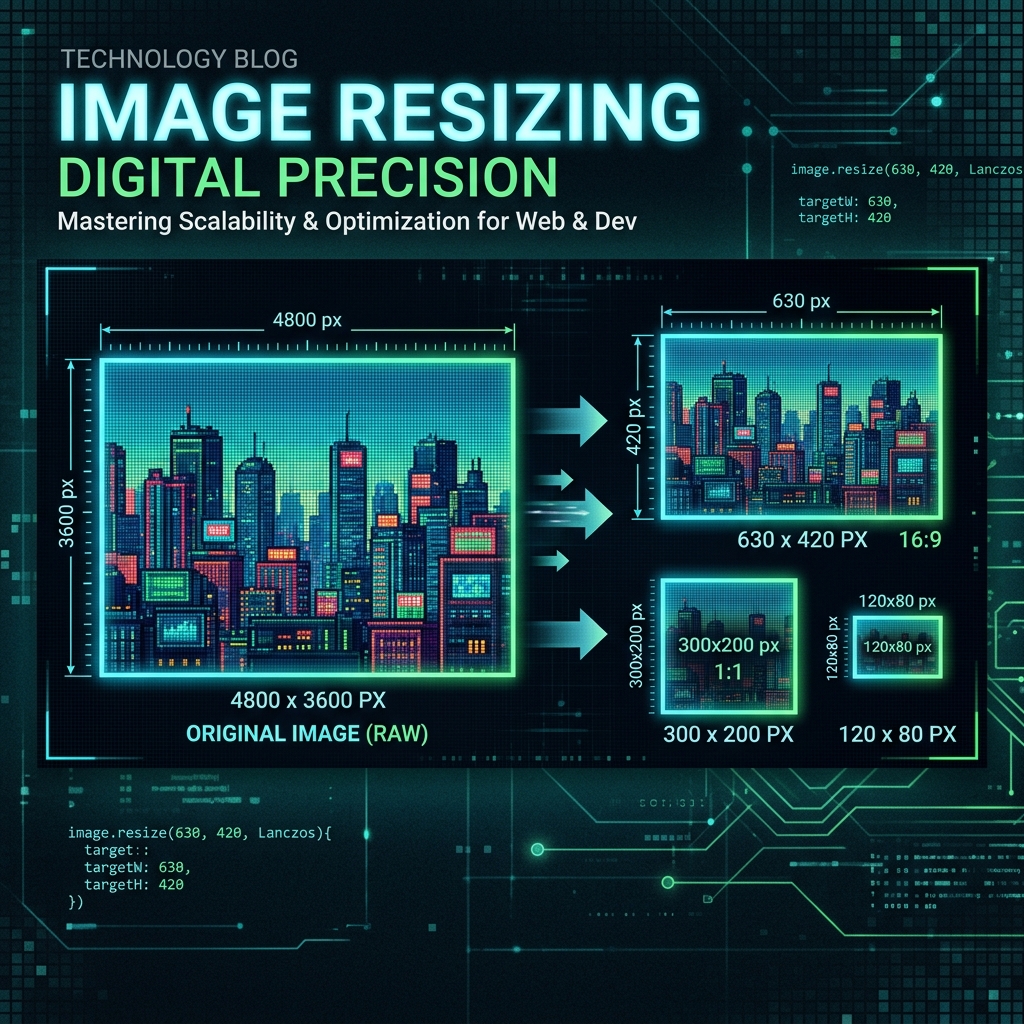
Whether you're preparing images for social media, a website, or print, getting the dimensions exactly right matters. This guide walks you through resizing images to precise pixel dimensions using Imageflowlab's free Image Resizer — no software download, no account needed.
Step 1: Upload Your Image
Go to Imageflowlab's free Image Resizer. Click the dropzone or drag your image directly onto the page. Supports JPG, PNG, WEBP, GIF, BMP, and TIFF up to 20MB.
Step 2: Set Your Target Dimensions
Enter your desired Width and Height in pixels. Toggle 'Lock Aspect Ratio' to automatically calculate the other dimension proportionally — this prevents stretching or squishing.
Step 3: Choose a Resize Mode
Fit — Scales the image to fit within your dimensions while preserving proportions. Transparent or colored padding fills the remaining space.
Fill — Scales and crops from center to fill every pixel exactly.
Stretch — Forces the image to the exact dimensions regardless of proportions.
Step 4: Select Output Format & Quality
Choose JPG, PNG, or WEBP. For JPG and WEBP, adjust the quality slider to balance file size and visual clarity. 85–90% is the ideal sweet spot for most use cases.
Step 5: Download Your Resized Image
Click 'Resize Image' to process, then click 'Download'. Your resized image is generated instantly in your browser — nothing is uploaded to any server.
Common Use Cases for Exact Pixel Resizing
Social media profile photos (1080×1080 for Instagram, 400×400 for Twitter), product images for e-commerce (800×800 for Amazon), website hero banners (1920×1080), email headers (600×200), and app icons at specific sizes.
Try it free — right now
No signup. No upload to servers. Works instantly in your browser.
Open Image Resizer →