What Is Image Compression and How Does It Work?
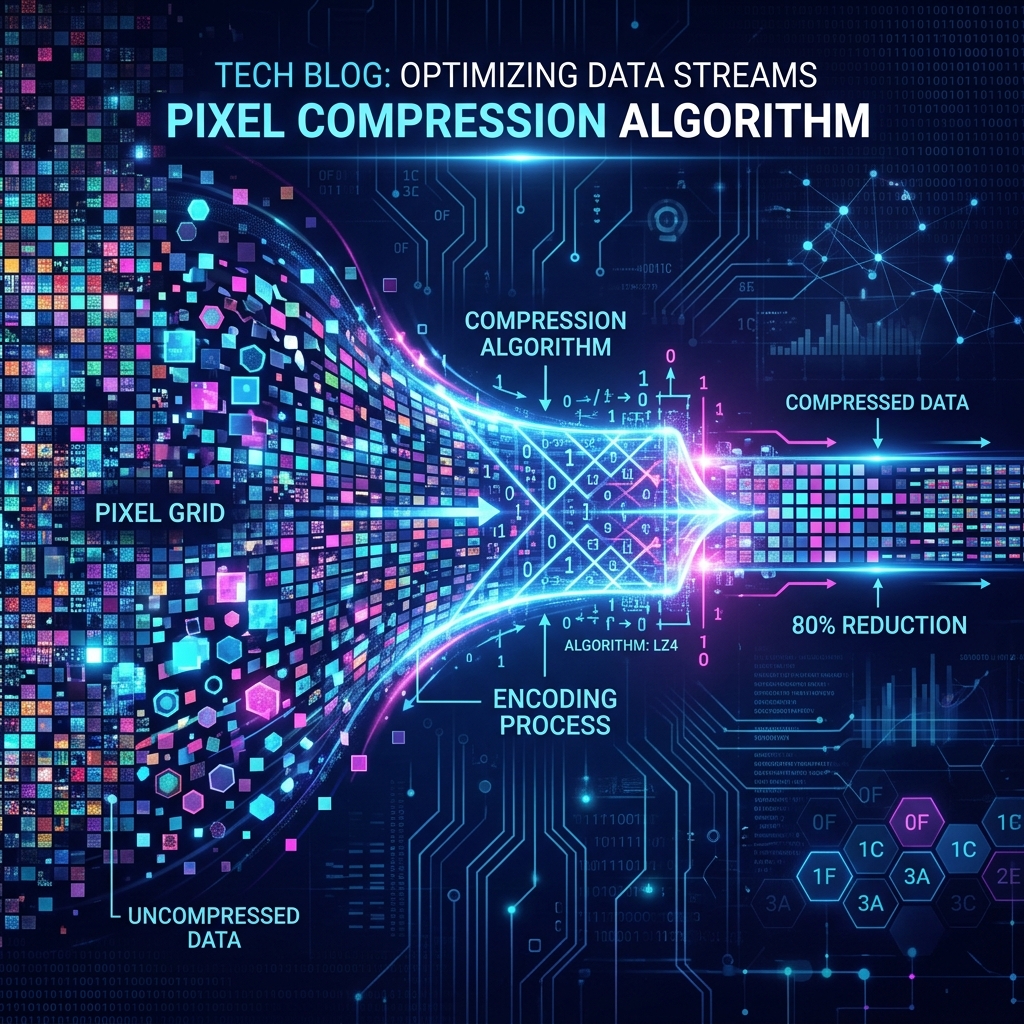
Image compression is the process of reducing image file size by encoding image data more efficiently. Understanding the difference between lossy and lossless compression — and how JPEG vs PNG achieve it — helps you make smarter decisions about which format and settings to use.
Lossy vs Lossless Compression
Lossless compression reduces file size without discarding any image data. When you decompress a losslessly compressed image, you get a pixel-perfect copy of the original. PNG and GIF use lossless compression. The tradeoff: lossless files are larger. Lossy compression achieves greater size reduction by permanently discarding visual data the human eye is least sensitive to. JPEG and WebP (in lossy mode) use this approach. Once data is discarded, it's gone — you can't recover it by decompressing.
How JPEG Compression Works
JPEG uses a process called Discrete Cosine Transform (DCT). It divides the image into 8×8 pixel blocks and converts each block from spatial data (pixel values) into frequency data (coefficients). High-frequency data represents sharp edges and fine details. Low-frequency data represents smooth gradients. The JPEG algorithm then discards or rounds down high-frequency coefficients based on a quality setting called the "quantization table." At quality 80%, you discard data only barely perceptible to humans. At quality 30%, you start to see blocky artifacts (the classic JPEG degradation).
Compress your images with full quality control — runs in your browser, zero uploads.
Open Free Compressor →How PNG Compression Works
PNG uses two stages: first, a filter step that improves compressibility by predicting pixel values based on neighboring pixels and storing the difference (delta), then a DEFLATE compression step (the same algorithm used in ZIP files) that finds repeated patterns in the filtered data and encodes them compactly. This is why PNG compresses well for images with large areas of flat color (logos, screenshots) but not for photographs with continuous tone variation.
Quality Settings Explained
When you compress a JPEG at "quality 85%", the 85% doesn't mean you keep 85% of the image quality. It maps to a specific quantization table that determines how aggressively high-frequency data is discarded. In practice: 90–100% = professional/archival (minimal compression). 75–85% = web standard (excellent visual quality, 50–70% size reduction). 50–70% = aggressive (noticeable on close inspection). Below 50% = heavy artifacts visible.