📱 Social Media Sizing
How to Crop Images for Every Social Media Platform (2026)
Published April 18, 2026 · 8 min read · Try the Crop Tool
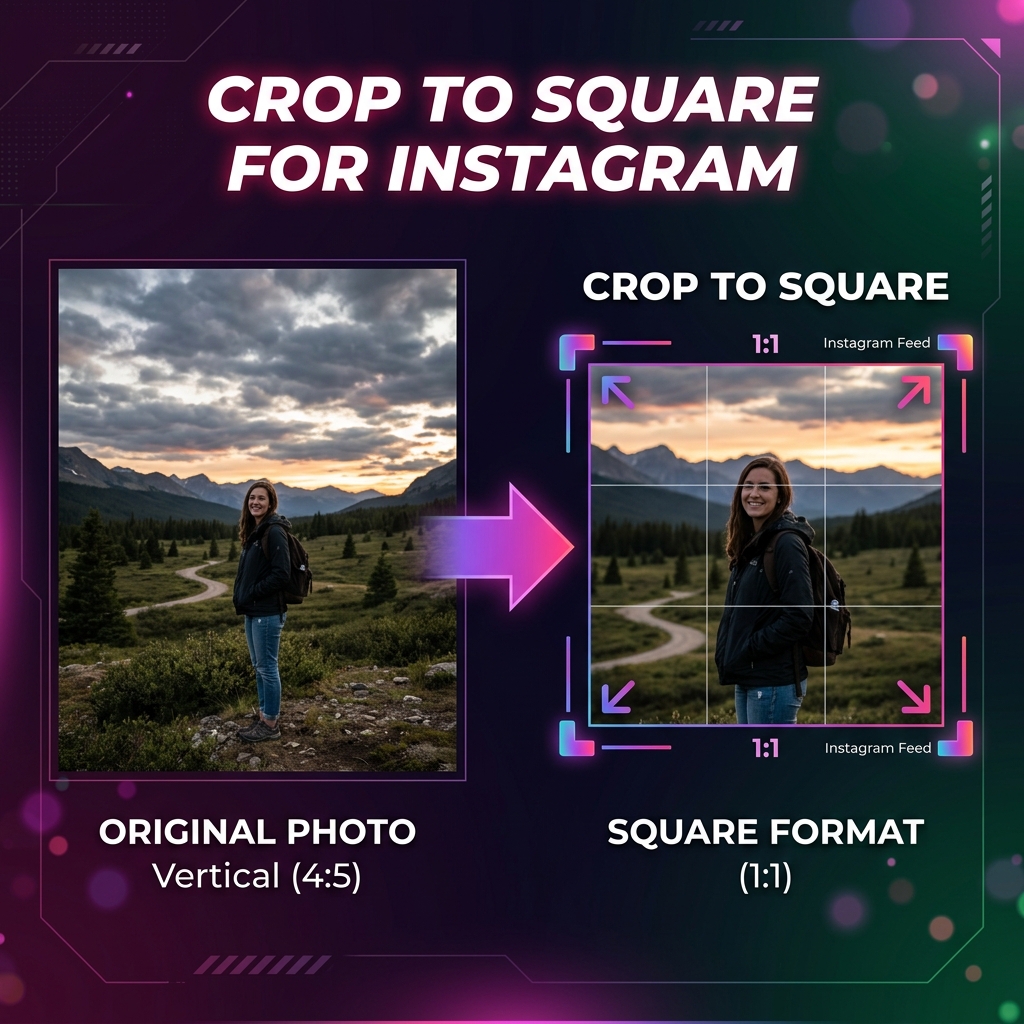
Every social media platform has its own preferred image dimensions — and if you upload the wrong size, the platform will auto-crop your image in unpredictable ways, often cutting off faces or important text.
This guide gives you the exact pixel dimensions and aspect ratios for every major platform in 2026, and shows you how to crop your images perfectly using the free Imageflowlab crop tool.
📸 Instagram Image Sizes 2026
| Format | Ratio | Pixels |
|---|---|---|
| Feed Post (Square) | 1:1 | 1080 × 1080 |
| Feed Post (Portrait) | 4:5 | 1080 × 1350 |
| Feed Post (Landscape) | 1.91:1 | 1080 × 566 |
| Stories & Reels | 9:16 | 1080 × 1920 |
| Profile Picture | 1:1 | 320 × 320 min |
Tip: For Instagram feed posts, the 4:5 portrait ratio takes up the most screen space, leading to higher engagement. Use our crop tool and select 2:3 ratio (closest preset) then manually input 4:5 using the Custom option.
▶️ YouTube Image Sizes 2026
| Format | Ratio | Pixels |
|---|---|---|
| Thumbnail | 16:9 | 1280 × 720 |
| Channel Art (Banner) | 16:9 | 2560 × 1440 |
| Shorts Thumbnail | 9:16 | 1080 × 1920 |
🎵 TikTok Image Sizes 2026
| Format | Ratio | Pixels |
|---|---|---|
| Video / Image Post | 9:16 | 1080 × 1920 |
| Profile Picture | 1:1 | 200 × 200 min |
🔵 Facebook & LinkedIn
| Platform / Format | Ratio | Pixels |
|---|---|---|
| Facebook Feed Post | 1.91:1 | 1200 × 628 |
| Facebook Cover Photo | ~2.7:1 | 820 × 312 |
| LinkedIn Post Image | 1.91:1 | 1200 × 627 |
| LinkedIn Banner | 4:1 | 1584 × 396 |
How to Crop for Social Media in 3 Steps
- Open imageflowlab.com/image-crop.html and upload your photo
- Choose the matching aspect ratio preset, or select Custom and enter the exact pixel dimensions
- Position the crop and click Download — no account, no watermark
Crop for Any Platform Right Now
The free Imageflowlab Image Crop tool — no signup, no watermark.
✂️ Open Crop Tool →Advertisement