How to Resize Images for Every Social Media Platform
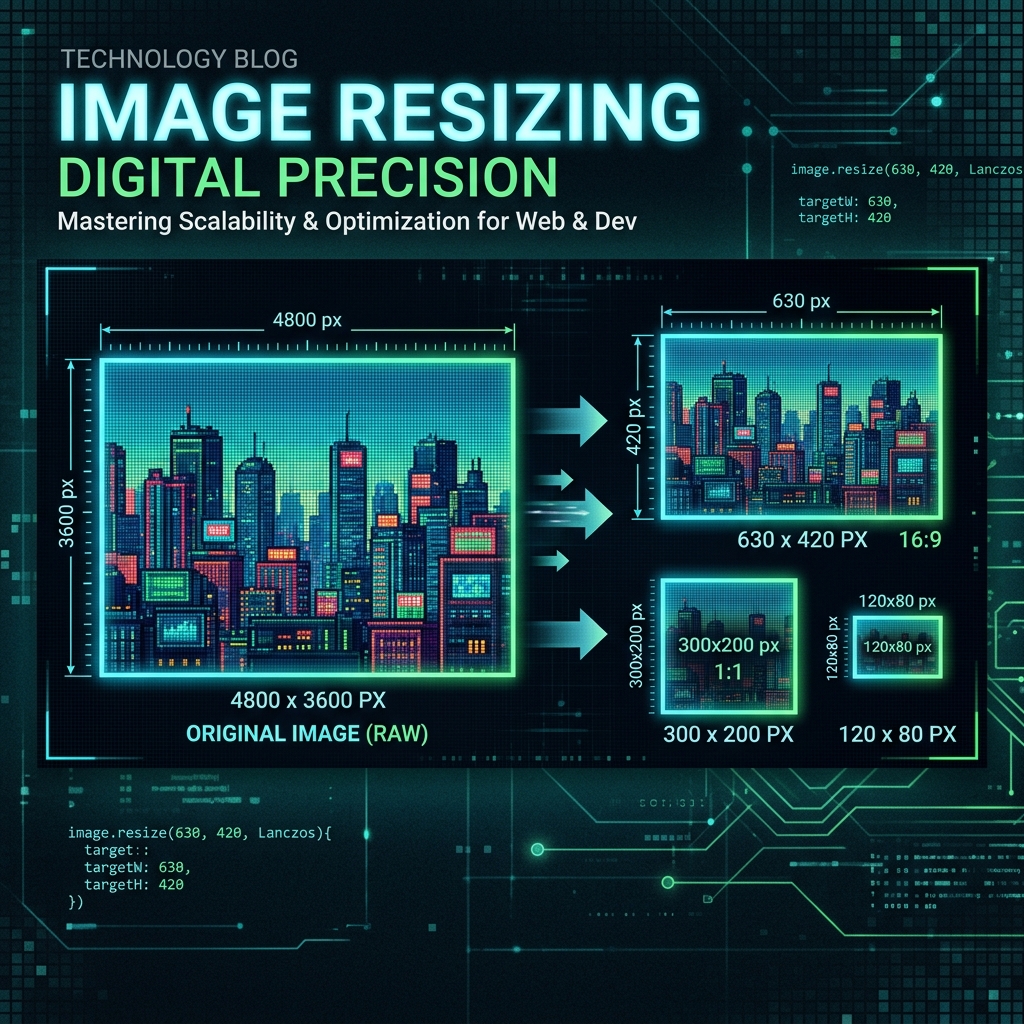
Every social media platform has specific image dimension requirements. Using the wrong size results in cropped, blurry, or pixelated images. Here are the 2025 sizes for every major platform and how to resize to them for free.
Instagram Image Sizes 2025
Profile photo: 320×320 px. Feed post square: 1080×1080 px. Portrait post: 1080×1350 px. Landscape post: 1080×566 px. Story/Reel: 1080×1920 px.
Facebook Image Sizes 2025
Profile photo: 170×170 px (displays at). Cover photo: 820×312 px. Post image: 1200×630 px. Event banner: 1920×1080 px. Ad image: 1200×628 px.
Twitter / X Image Sizes 2025
Profile photo: 400×400 px. Header/banner: 1500×500 px. In-feed image: 1200×675 px (16:9 ratio).
LinkedIn Image Sizes 2025
Profile photo: 400×400 px. Cover/banner: 1584×396 px. Post image: 1200×627 px. Company logo: 300×300 px.
YouTube Image Sizes 2025
Channel art: 2560×1440 px (safe area 1546×423 px). Thumbnail: 1280×720 px (16:9). Profile photo: 800×800 px.
How to Resize Quickly with Imageflowlab
Open the Image Resizer, enter your target platform dimensions, choose 'Fill' mode to ensure every pixel is covered without stretching, and download. The whole process takes under 30 seconds.
Try it free — right now
No signup. No upload to servers. Works instantly in your browser.
Resize Images Free →