How to Crop Images Online for Free — Complete Step-by-Step Guide
Published April 18, 2026 · 6 min read · Try the Tool
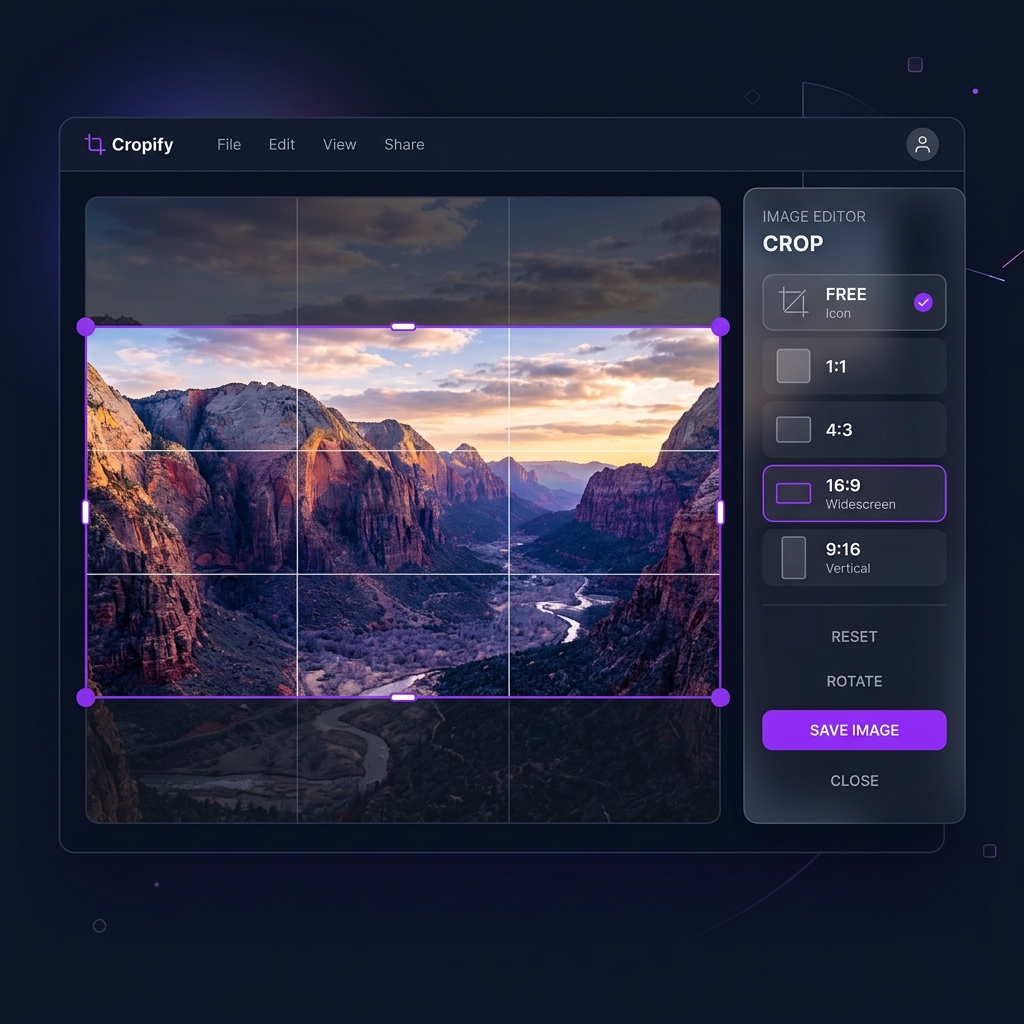
Cropping images is one of the most fundamental photo editing tasks — whether you're preparing a YouTube thumbnail, a passport photo, or a profile picture, getting the aspect ratio right makes all the difference.
In this guide you'll learn exactly how to crop any image online for free using Imageflowlab's Image Crop tool — entirely in your browser, with no upload, no account, and no watermark.
What Is Image Cropping?
Cropping removes the outer parts of a photo to reframe or resize it. Unlike resizing, which changes the total number of pixels proportionally, cropping discards everything outside the selected region. This lets you:
- Focus attention on the subject
- Match an exact platform size (Instagram 1:1, YouTube 16:9)
- Remove distracting elements from the edges
- Create consistent thumbnails for blogs or product listings
Step 1 — Open the Crop Tool
Navigate to imageflowlab.com/image-crop.html. The tool loads entirely in your browser — no installation, no account creation, and no file is ever sent to a server.
Step 2 — Load Your Image
Either drag and drop your image onto the canvas, or click "Choose Image" to browse your files. The tool accepts JPG, JPEG, PNG, WEBP, GIF, BMP, and TIFF formats. Your image will appear in the editor with the default crop overlay.
Step 3 — Choose Your Aspect Ratio
The settings panel on the left gives you instant preset buttons:
Drag any handle freely — no ratio constraint.
Instagram posts, profile photos, app icons.
YouTube thumbnails, banners, widescreen.
Instagram Stories, TikTok, Reels, Shorts.
Classic prints, tablet screens, presentations.
Type exact W×H pixels for any specific size.
Step 4 — Adjust the Crop Area
Once you've chosen a ratio, you can:
- Drag the 8 handles (corners and midpoints) to resize the crop area
- Drag inside the selection to move the crop region
- Use the rule-of-thirds grid overlay to align your subject at compositional power points
- Enable Aspect Lock to keep the ratio fixed while resizing freely
Step 5 — Apply and Download
When you're satisfied with the framing, click "Apply Crop". The cropped preview appears. Then:
- Choose output format — JPG (smallest), PNG (lossless), or WEBP (best for web)
- Adjust quality (JPG/WEBP only) with the slider — 85–95% is ideal for most uses
- Click Download — the file saves directly to your device
Pro Tips for Better Crops
- Place your subject at the rule-of-thirds intersection points for more dynamic compositions
- For social media, crop to the exact platform-recommended size to prevent automatic re-cropping
- Use PNG output for graphics with text or sharp edges — JPEG introduces blur artefacts on hard lines
- If cropping for print, check that the resulting pixel count supports your dpi (300dpi for print quality)
Ready to Crop Your Image?
Free, browser-based, no watermark, no account needed.
Open Image Cropper →