PNG vs JPG: When to Use Each Format
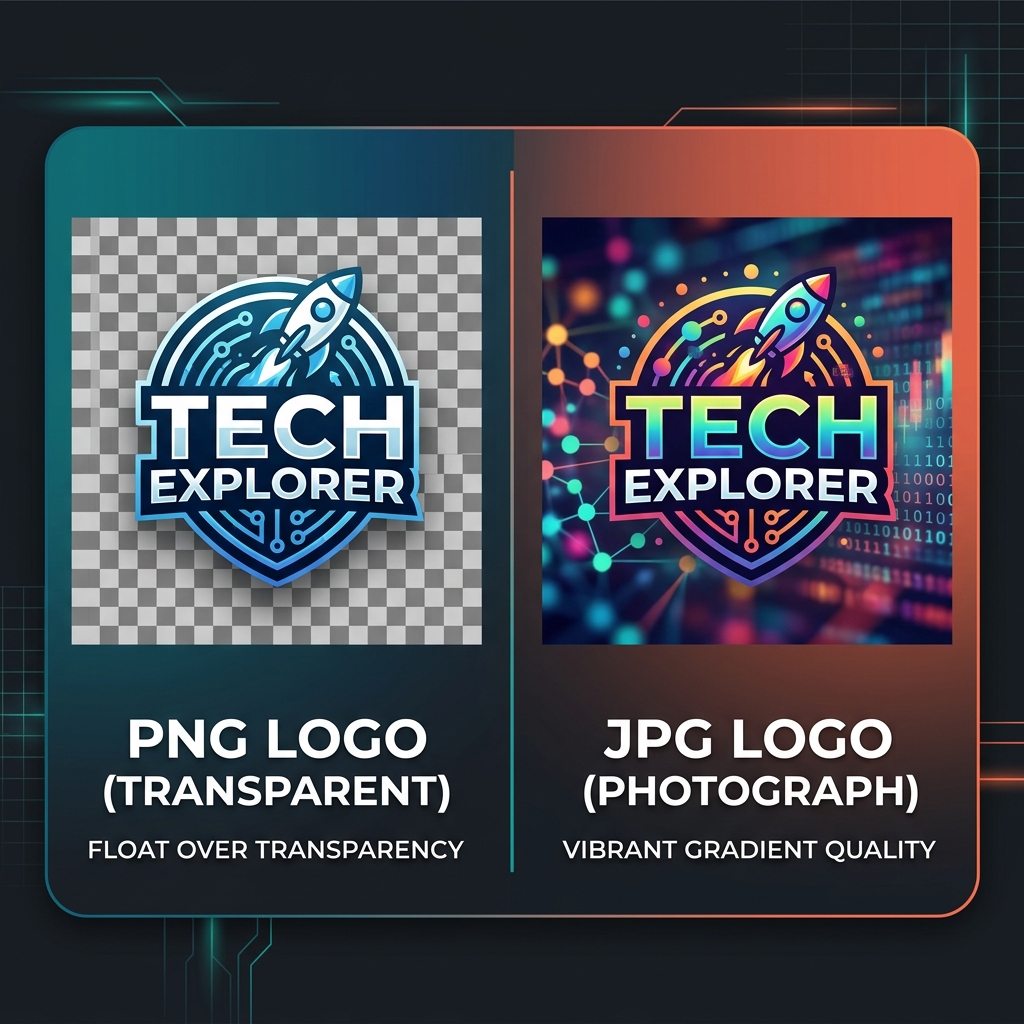
PNG and JPG are the two most common image formats in everyday use. Understanding their fundamental differences helps you make the right choice and avoid oversized files, quality loss, or compatibility problems.
The Fundamental Difference
The core distinction is compression method: JPG is lossy — it discards some image data permanently during compression to achieve small file sizes. PNG is lossless — it preserves every pixel exactly, with no data discarded. This single difference drives everything else: file sizes, quality characteristics, and appropriate use cases.
File Size Comparison
For photographs, JPG wins dramatically. A photo that's 5MB as PNG may be just 400–800KB as a JPEG at 80% quality — with no visible quality difference to the human eye. For graphics with flat colors (like a logo), PNG often creates smaller files because it compresses flat-color regions extremely efficiently. The rule of thumb: use JPG for photos, PNG for graphics.
Free, private, and instant — convert any image format in your browser without uploading.
Open Free Converter →Transparency
PNG supports full alpha transparency (256 levels). This lets you create images with transparent backgrounds that blend seamlessly over any color. JPG doesn't support transparency at all — it always has a solid background (white by default). For logos, stickers, overlays, and UI elements that need to sit on any background, PNG (or WebP) is the only choice.
When to Use Each Format
Use JPG when: the subject is a photograph or complex scene with continuous tones, gradients, and many colors; you need the smallest possible file size; transparency isn't required. Use PNG when: the image contains text, sharp lines, or flat color regions; you need transparency; the image will be further edited; you need pixel-perfect quality. For screenshots, always use PNG — JPEG introduces artifacts around text that makes it hard to read.
A Note on WebP
In 2025, WebP is the best choice for web delivery in most cases — offering smaller sizes than both JPG and PNG while supporting transparency. But for local storage, sharing, and editing workflows, JPG and PNG remain the practical standards because of universal software compatibility.